Run your business your way. Just say how.
Tell coreflow3 how your business works: your clients, bookings, invoices and who does what. It builds the app your team uses every day, and changes it whenever you ask.
No code. No consultants. Try it on an example business first.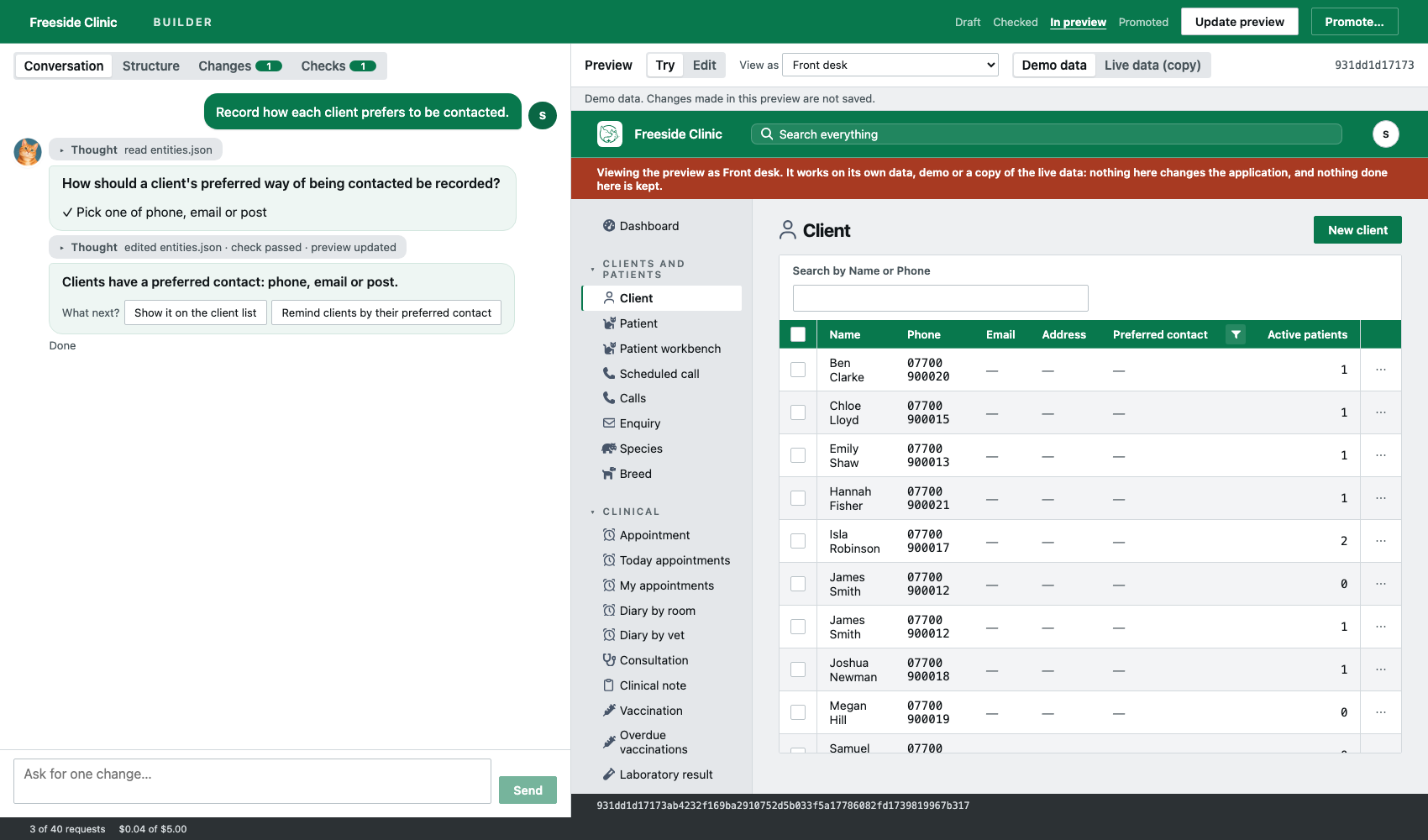
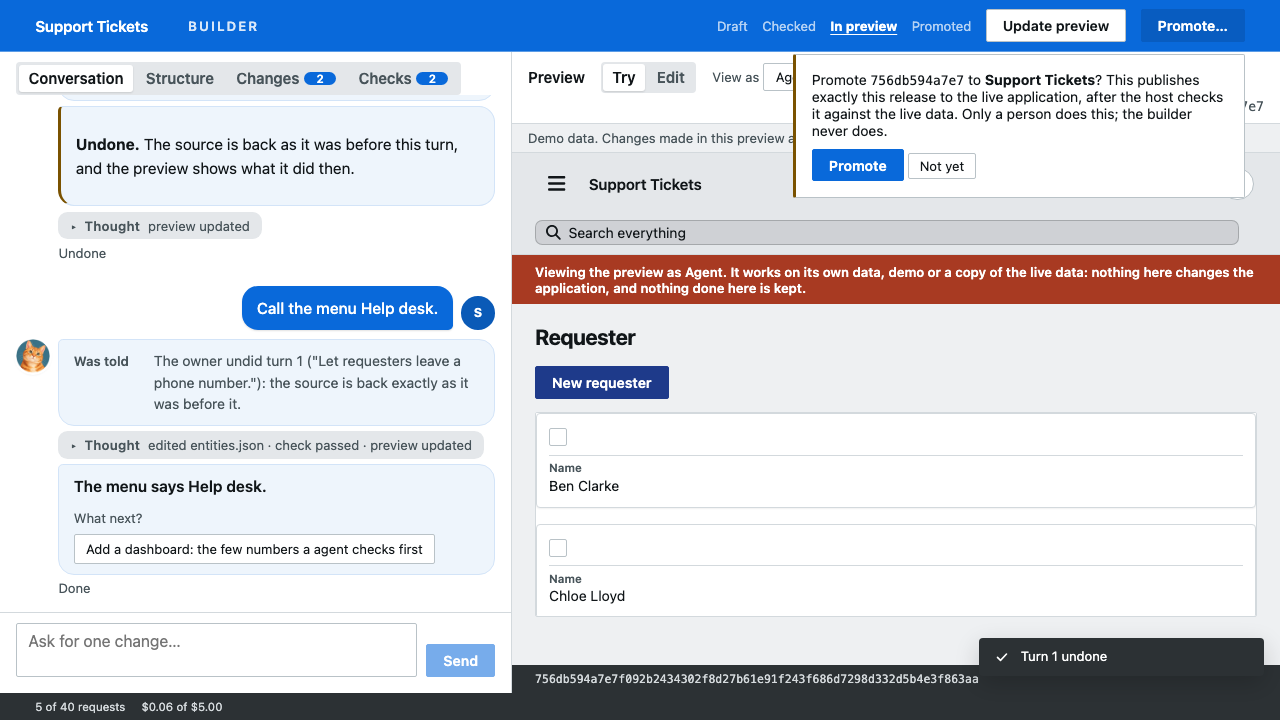
You asked to “record how each client prefers to be contacted” and chose phone, email or post. The client list on the right already has the new column, shown as the front desk will see it. Nothing changes for your team until you press Promote.
Software that fits the way you already work.
Describe it, don’t design it
Say what you need the way you would to a new colleague. coreflow3 asks when something is your call, then builds it.
See it before your team does
Every change appears in a practice copy first. Look at it as your front desk, your managers or your accounts team would.
Nothing goes live until you say
Your team keeps working as normal while you make changes. Don’t like one? Undo it, and everything is back as it was.
Software that fits, at a fraction of the price.
Industry software makes you work its way. Having software built for you takes months and a large budget. coreflow3 is shaped around how you already work, for far less than either.
of the cost of off-the-shelf software made for your trade, which won’t fit your business nearly as well
saved on average, against having software built for you
One price per person. Everything included.
£10per user per month
Pay month by month. Add or remove people whenever your team changes.
Start monthly£8per user per month, billed annually
£96 per user for the year, paid up front.
Start annual- Every feature on this page
- Unlimited changes with the builder
- Screens for each role
- Attachments, search, calendars, maps and dashboards
Prices exclude VAT.
Four steps from idea to everyday use.
- 01
Tell it about your business
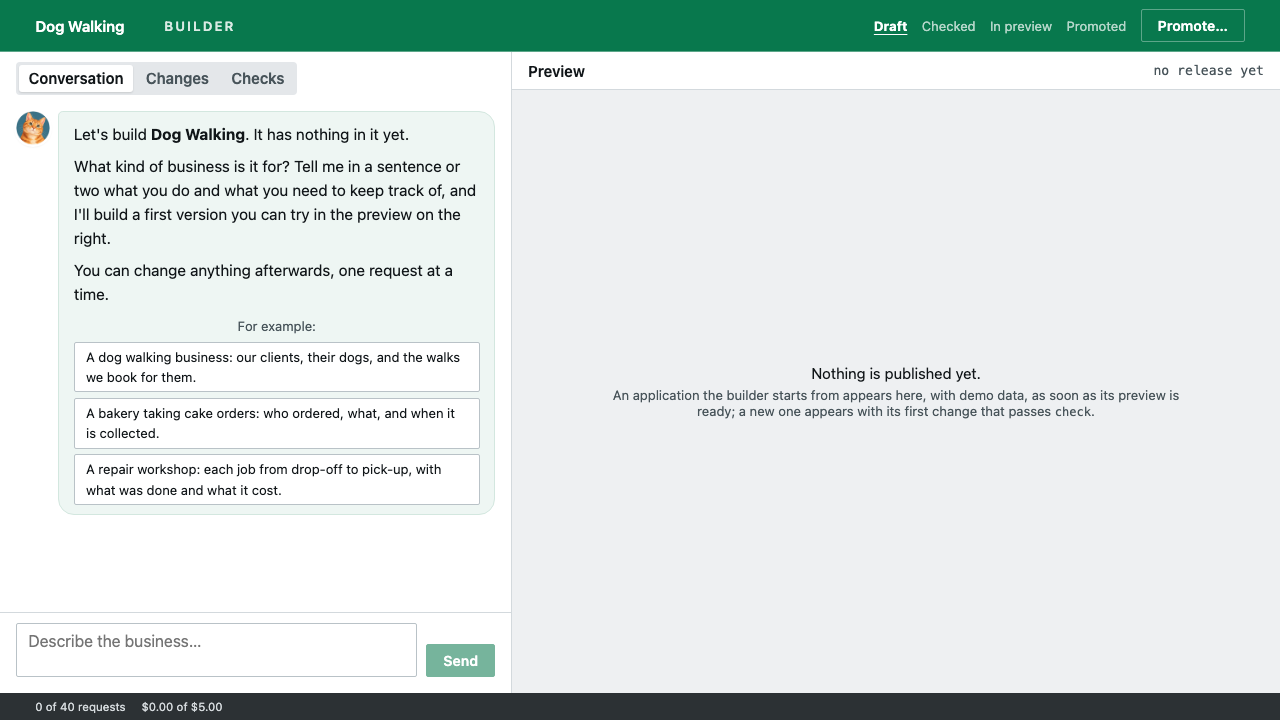
Start from an example close to yours, or from scratch. coreflow3 asks what your business does and who works in it.
- 02
Ask for what you need
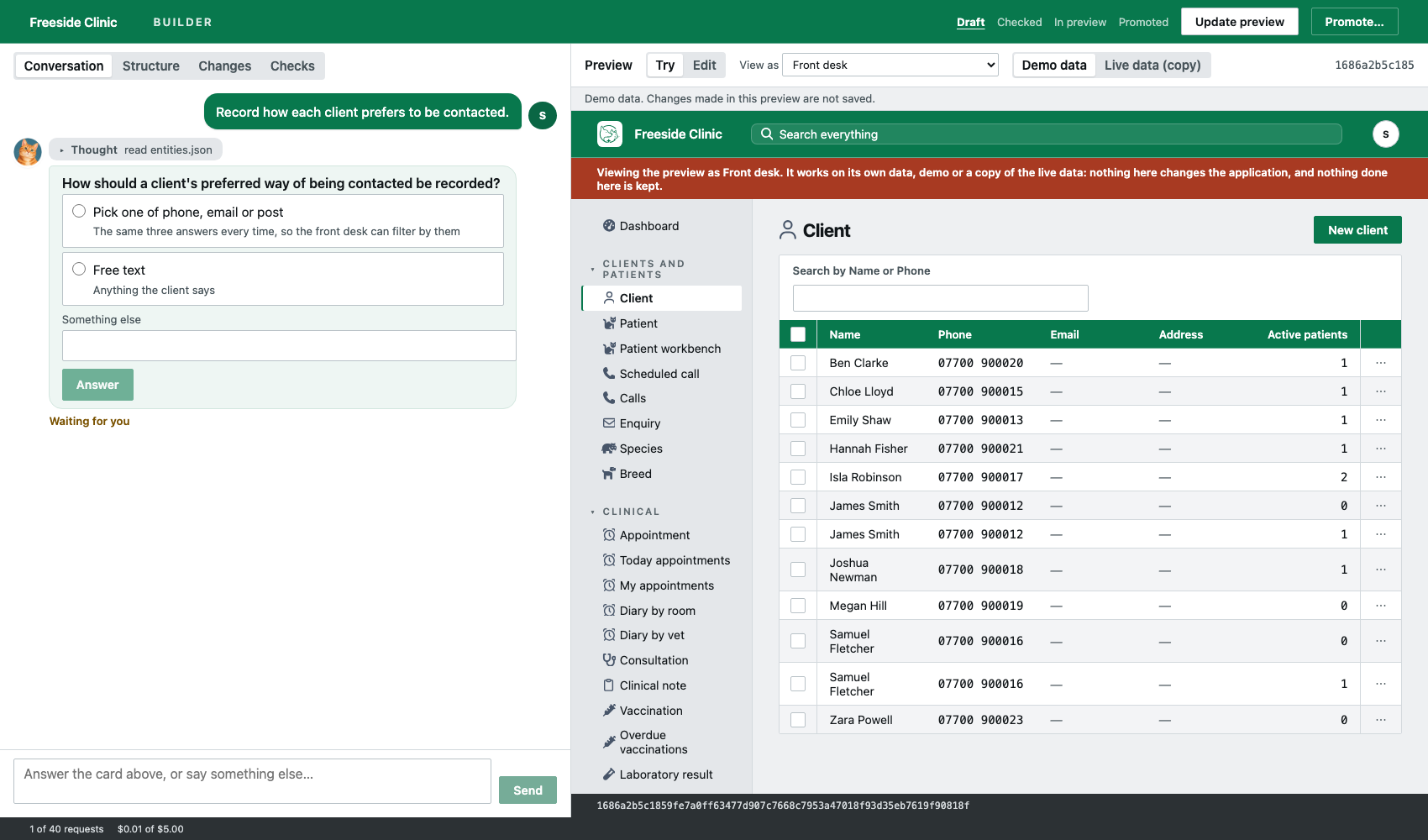
“Add a deposit to bookings.” “Let the yard see work orders.” Ask in plain words, one change at a time.
- 03
Try it as each person
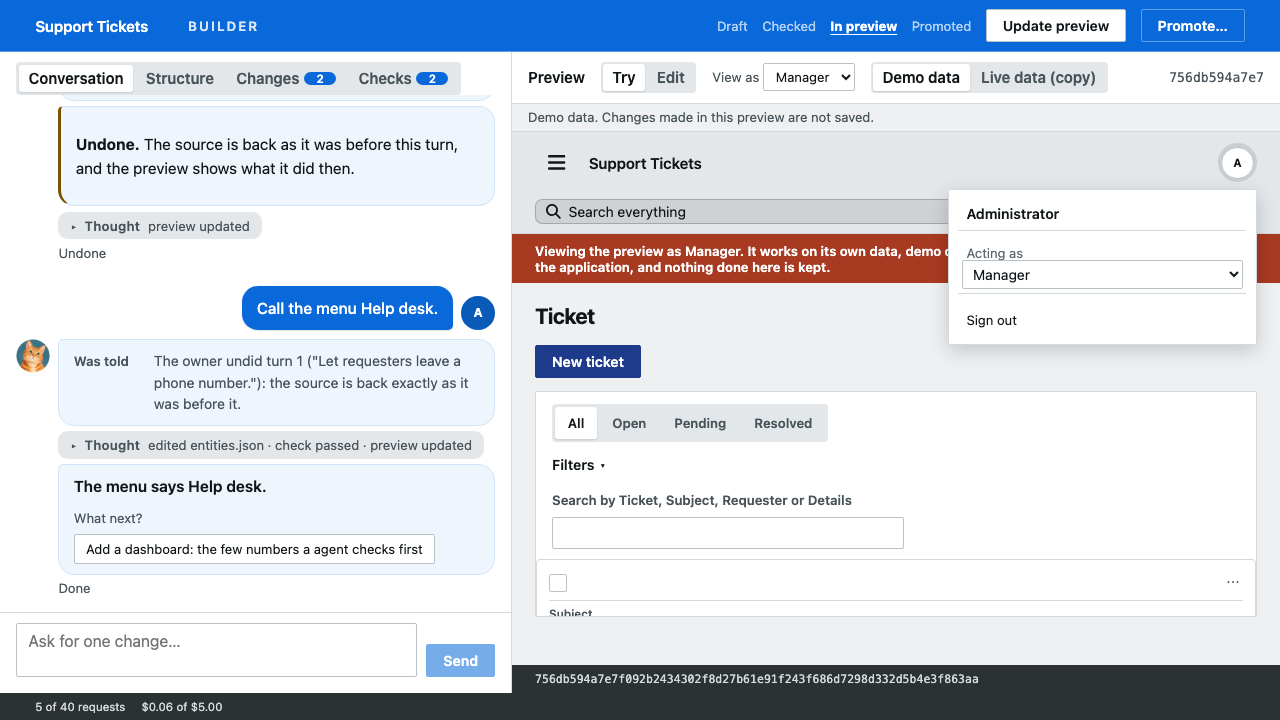
Switch between your roles to see exactly what each person will see, with realistic example information.
- 04
Go live
When it looks right, say yes. Your team gets the change straight away, and their existing information stays as it was.
The everyday things, already done.
Everyone sees their part
Reception, managers and accounts each get the screens and buttons they need, and nothing they shouldn’t touch.
Who did what, and when
Every change to a client, booking or invoice is recorded with the person who made it.
Invoices that add up
Change a quantity, a price or a payment and the totals and balance due update at once.
Documents kept in place
Attach photos, letters, contracts or scans to the record they belong to, up to 50 MB each.
Find anything fast
Type a name or a number from anywhere and go straight to the client, booking or invoice.
Calendars, maps, dashboards
Diaries by room or by person, addresses on a map, and a dashboard for each role.
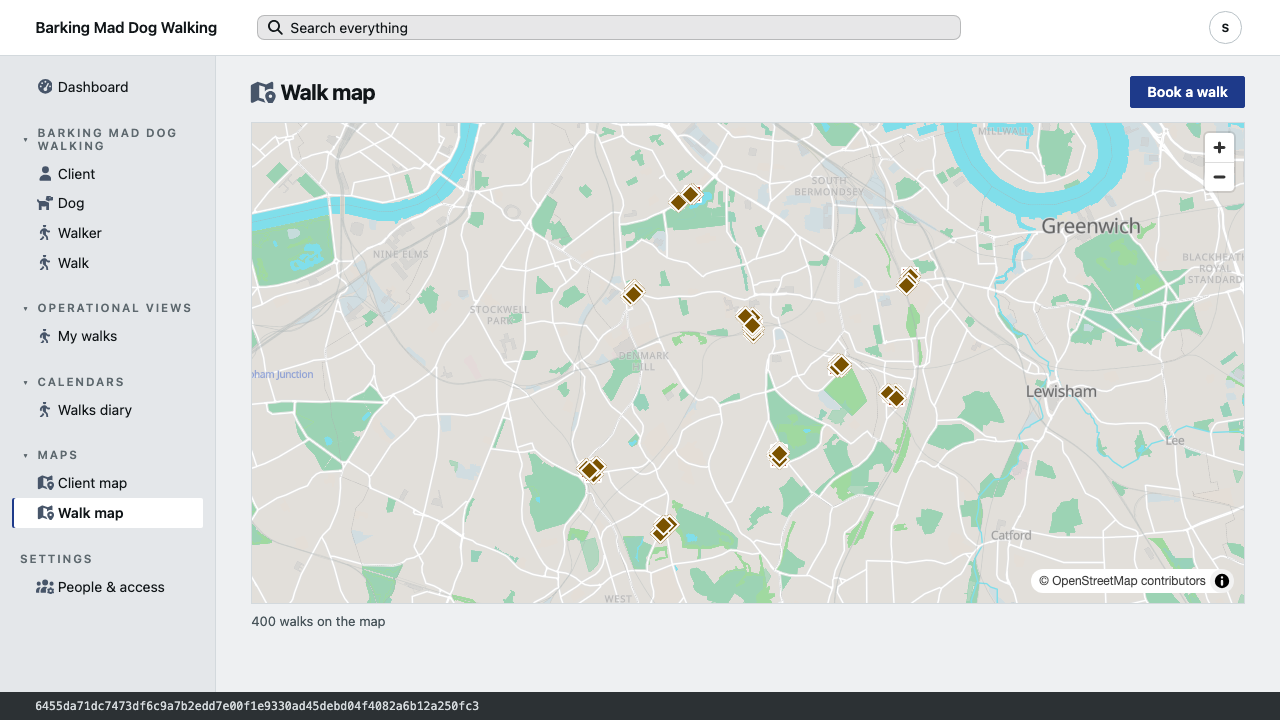
See where the work is, and how far it is to get there.
Any list with addresses can be shown as pins on a map. Pick a pin to see the record, or to draw the road to where it goes. Distances are worked out along real roads and footpaths, not in a straight line.
the straight line from the depot to one pickup
39.5 minutes on foot, the figure your walker plans the day around
Colour and shape say the status
Booked, on hold and out each look different, so the map still reads in black and white.
Show the route
One button draws the road from the record to its destination, with the distance and the time.
Road distance as a column
Sort and filter by how far each job is by road, as you would by date or name.
Still quick after years of records.
We loaded the history of a busy vet practice, thirty thousand visits, and timed every list, search and button.
clients, pets, visits, invoices and more
most answer in a hundredth of that
screens, searches and actions
Start from a business like yours.
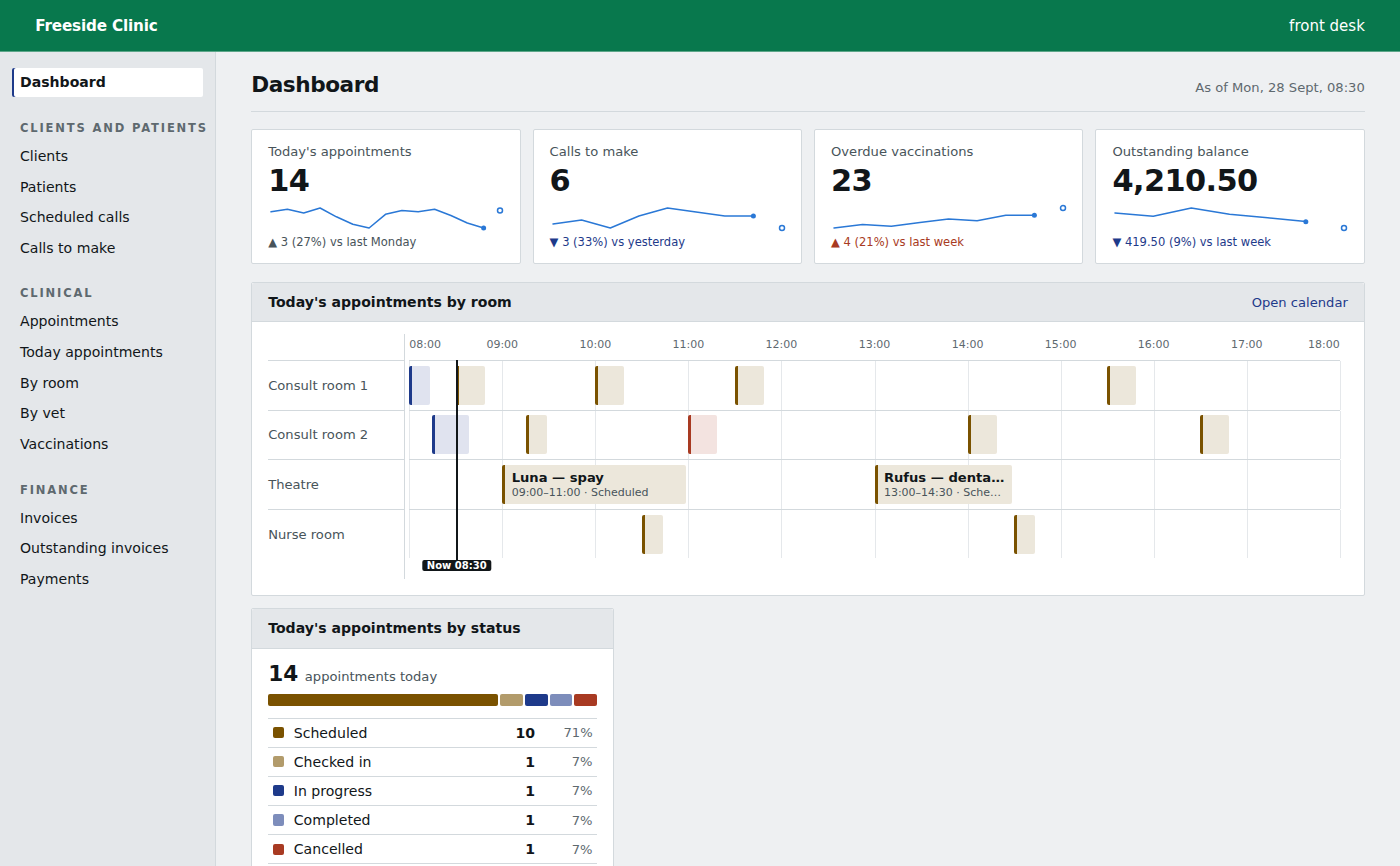
Freeside Clinic
Clients and their pets, appointments, clinical notes, the pharmacy and invoices.
Halewick Haven
Berths, boats and owners, contracts, the waiting list, yard work and meter readings.
Maplewood Foods
Recipes, ingredient lots, production batches, allergens and quality checks.
Allotments
Members, plots, the waiting list, rents and inspections.
Barking Mad Dog Walking
Dogs, owners and walks, with each walker seeing their own day.
BoilerOps
Customers and their properties, quotes, engineer jobs, parts, gas safety records and invoices.
What people ask first.
Do I need technical skills?
No. If you can explain how your business works to a new member of staff, you can build with coreflow3. It asks when it needs a decision from you.
Will making changes disrupt my team?
No. You make and try changes in a practice copy. Your team only sees a change once you say it is ready.
Can different staff see different things?
Yes. Each role sees its own screens and can only do what you allow. You can check what each person sees before anything goes live.
What happens to my existing information when I change things?
It is kept. If a change would affect information you already have, you are told before it goes live.
How much does it cost?
£10 per user per month, or £8 per user per month when you pay for the year. Everyone in your team who signs in counts as a user. Prices exclude VAT.
Can I get it today?
A test version is running now, with the builder, the example businesses and their maps, and you can try them. We are opening it up to customers step by step.